A Blog for the sake of Blogging
I can't be bothered blogging. No time. Too much to do. Who wants to read anything I write anyway?
But I need a Blog. For no other reason than to test and improve usability of my Blog module. So, I have created 'A Blog for the sake of Blogging' where the posts have some modicum of relation to my life.. ..but the content all comes from Wikipedia :)
18th October 2016
973 Views
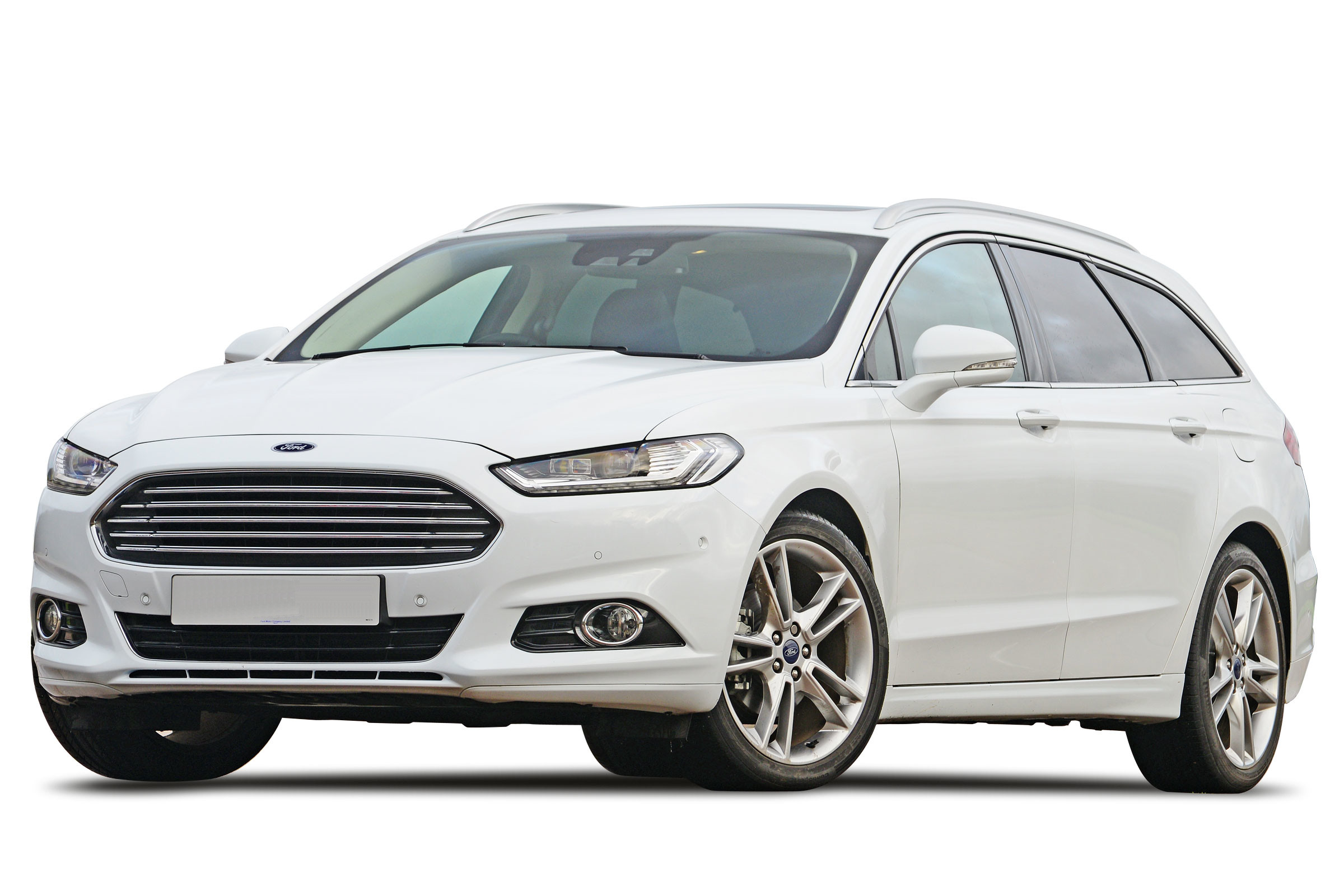
In October 2014, the fourth-generation Mondeo finally appeared in Europe, manufactured in Valencia, powered by a range of four-cylinder engines offering 160-240 PS (118-176 kW) for the petrol/gasol...
1st March 2016
1191 Views
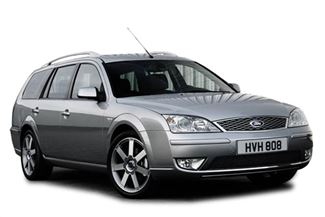
The Ford Mondeo is a mid-size or large family car manufactured by Ford from 1992 onwards. The name comes from Latin mundus, meaning 'world'. The Mondeo was designed to be a 'world car'.
1st February 2016
1043 Views
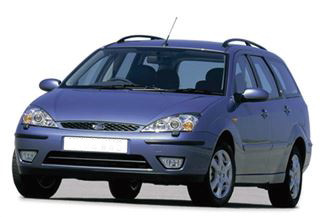
The Ford Focus is a compact car manufactured by the Ford Motor Company since 1998. Ford began sales of the Focus to Europe in July 1998 and in North America during 1999 for the 2000 model year.
8th March 2016
1170 Views
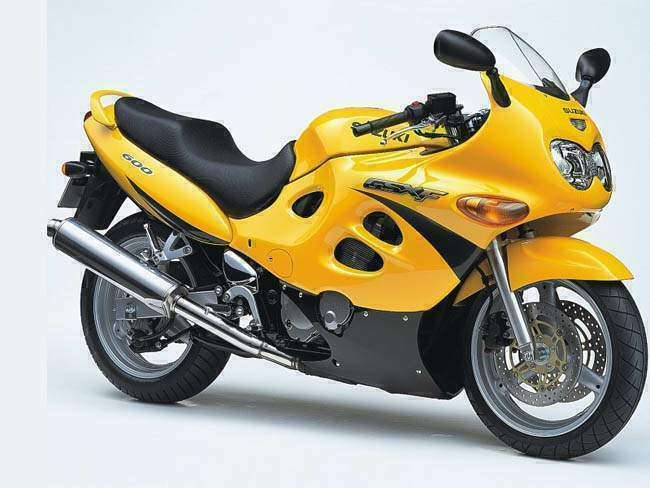
The Suzuki GSR600 is a 599 cc 16v in-line four motorcycle that was introduced in 2006 as a middleweight street-bike built with the 2004 GSXR-600 engine. The engine is re-tuned for more usable midra...
8th March 2016
1080 Views
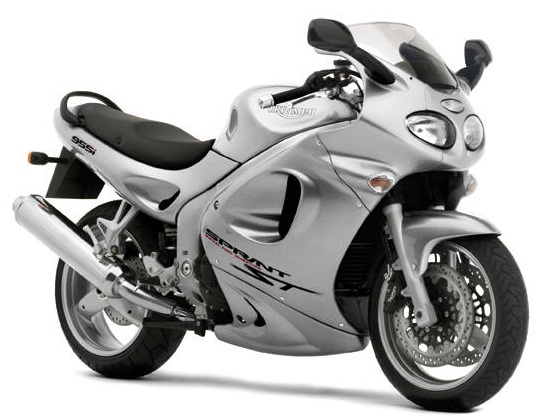
The Triumph Sprint ST is a sport touring motorcycle manufactured in the United Kingdom since 1999 by Triumph. With its large 4-stroke three-cylinder engine, an alloy-beam frame and a single-sided s...
19th January 2016
1184 Views
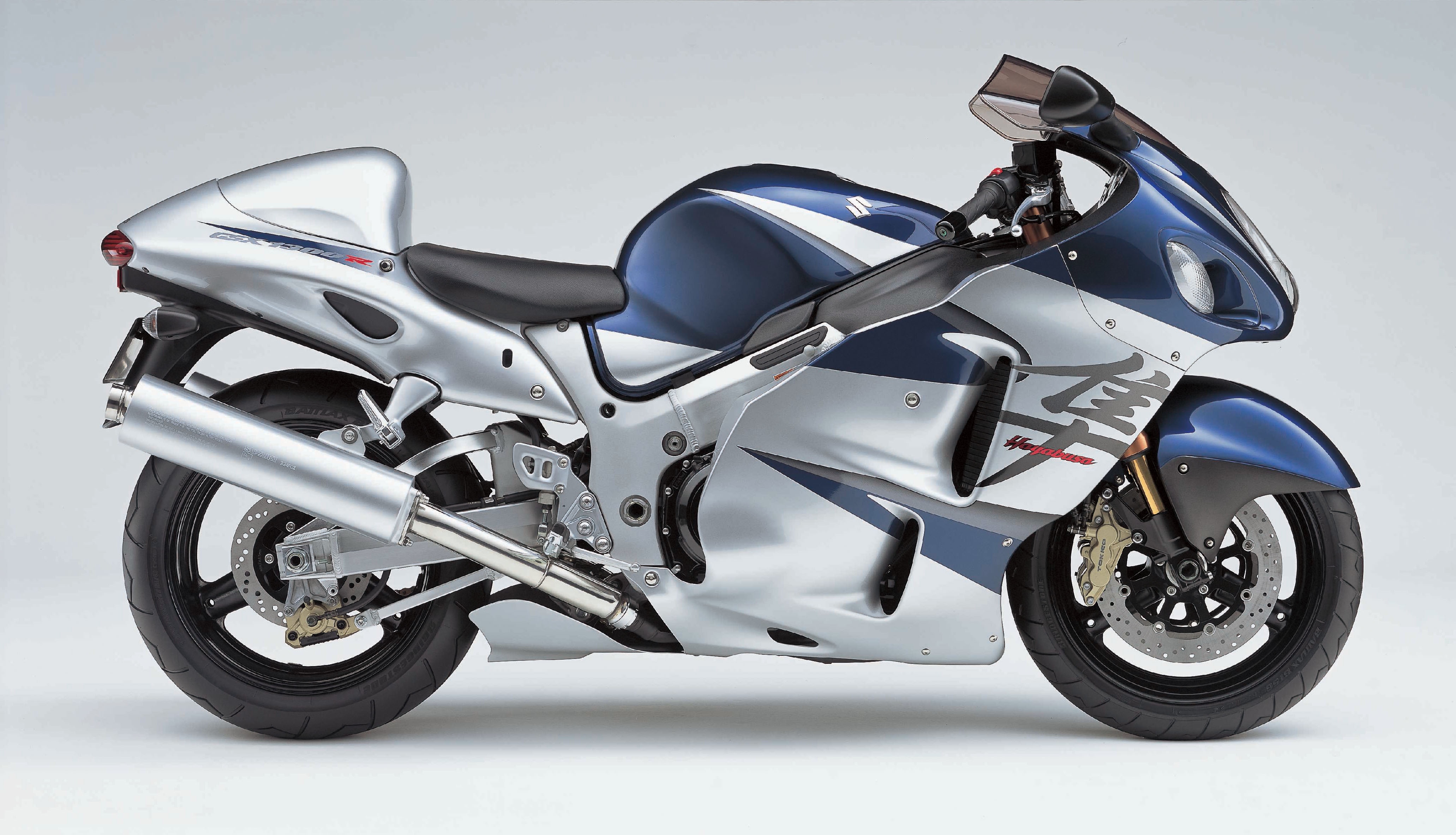
The Suzuki Hayabusa (or GSX1300R) is a sport bike motorcycle made by Suzuki since 1999. It immediately won acclaim as the world's fastest production motorcycle, with a top speed of 188 to 194 miles...